Lensmera app icon

Lensmera

Shoot pretty.
Learn pro.

The camera that makes you a mirrorless expert — auto mode takes fine pictures, but it never tells you why. Lensmera turns your phone into a real manual camera (P/A/S/M, shutter, ISO, RAW, live histogram) that teaches you as you shoot — so the skills stick, and transfer to any real camera.

  • 45 languages
  • 100% on-device
  • No subscription
  • iOS & Android

Your photos never leave your phone · private by design

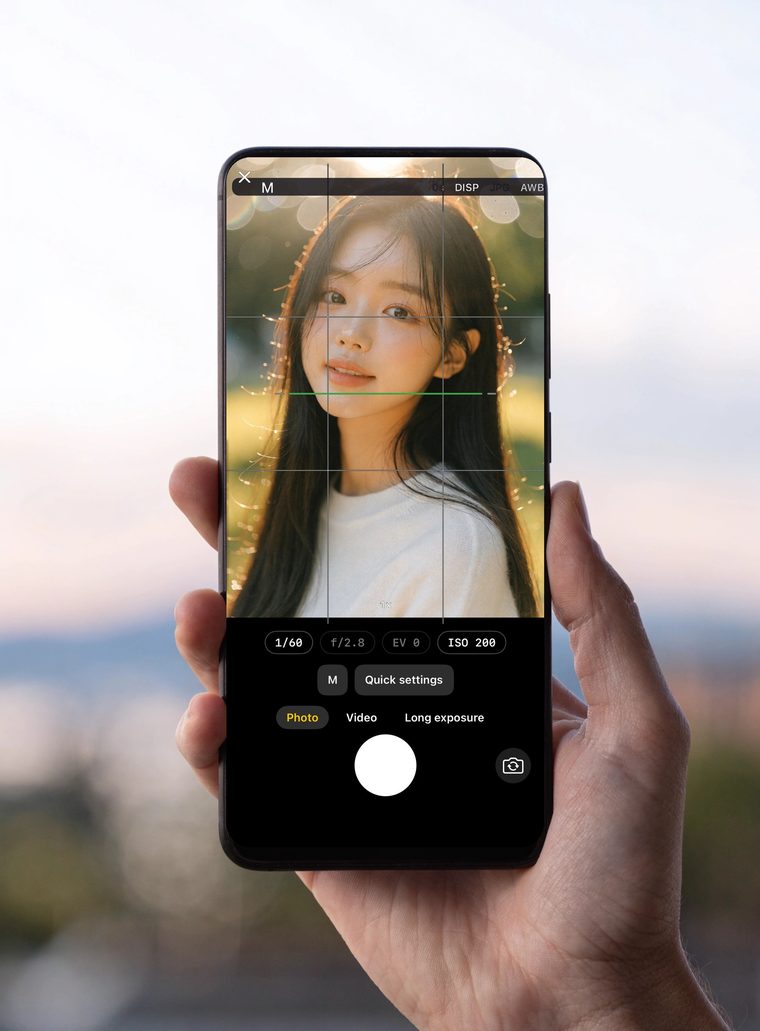
A hand holding a phone running Lensmera in manual (M) mode — shutter speed, aperture, EV and ISO controls over a golden-hour portrait

Come for the beauty cam. Stay for the pro. Start in easy, pretty auto — then, whenever you're curious, swap to a full manual camera that teaches you what every dial does.

From dodging the camera to the one they call

Every photographer starts the same way. Lensmera's lessons and challenges walk you up the same four steps — one shot at a time.

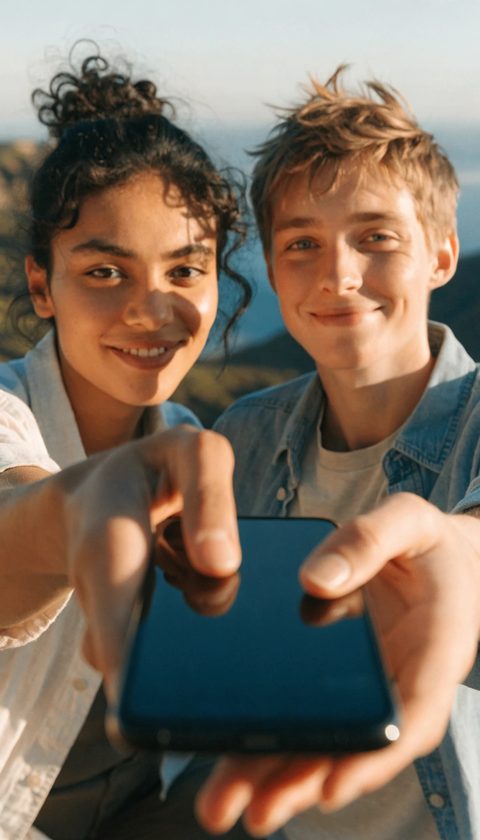
  • A couple at a scenic spot holding out their phone, asking for a photo
    Act 1 · The ask

    "Can you take our photo?"

    You freeze, tap the shutter a few times, hand it back — and hope.

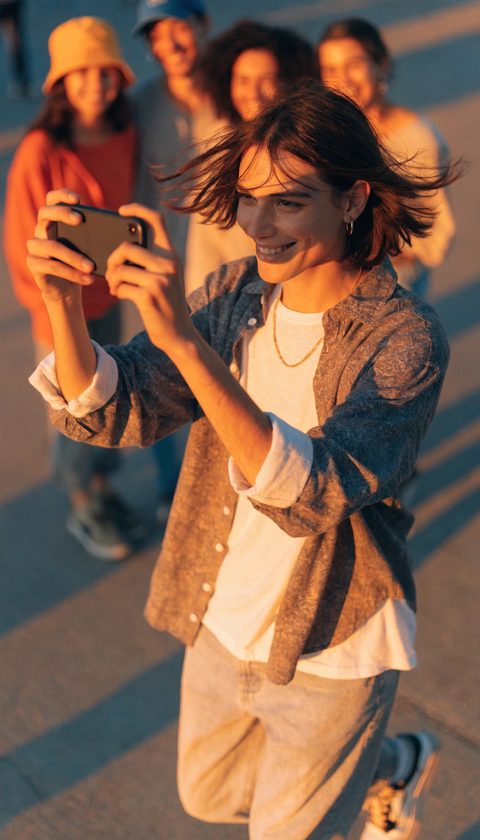
  • A confident young person stepping forward to take a photo for friends at golden hour
    Act 2 · First courage

    "Let me take that for you"

    With a live preview you can predict the shot — so you start volunteering.

  • Three friends delighted by a photo on a phone in a cafe
    Act 3 · The one they ask

    "Send me that one!"

    Your shots stand out. Now every phone at the table gets handed to you.

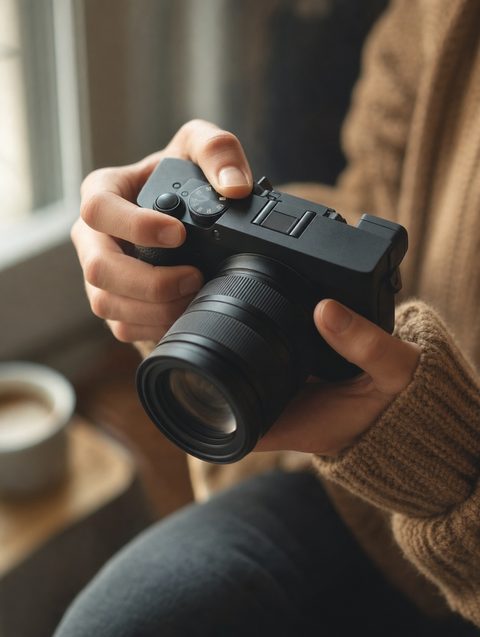
  • Hands holding a real mirrorless camera
    Act 4 · Going pro

    Ready for a real camera

    Same dials, same terms — a real mirrorless feels familiar from day one.
Learn photography as you shoot

  • Move a dial and watch brightness, motion and depth respond live
  • Short, friendly tips appear the moment you change a setting — so the "why" actually sticks
  • Master the exposure triangle: shutter speed, ISO and aperture
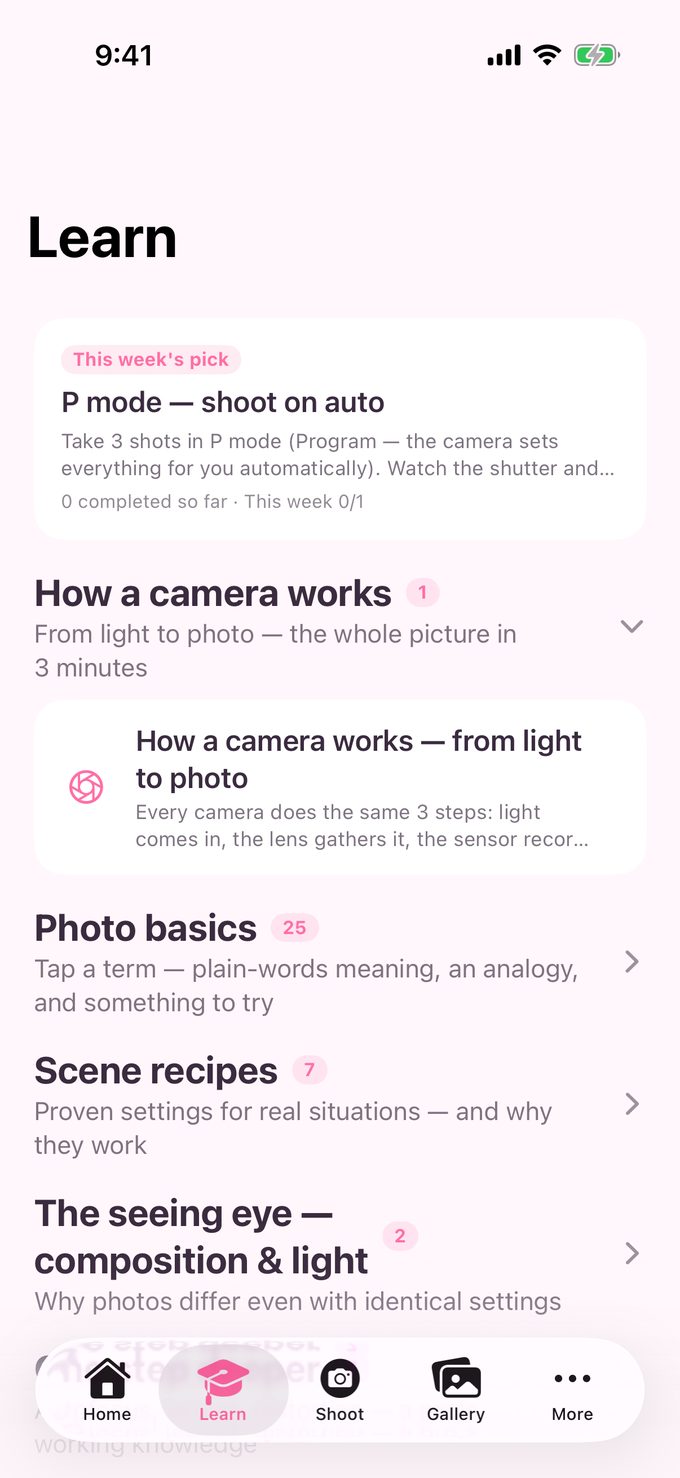
  • A step-by-step Learn tab — lessons climb the dial from P to M, with recipes and weekly photo challenges
  • Same terms, same layout as real mirrorless cameras — your skills transfer
Lensmera Learn tab: camera basics curriculum with exposure triangle, exposure, aperture and shutter speed lessons

A real manual camera, in your pocket

  • P / A / S / M modes — just like the mode dial on a real camera
  • Shutter & ISO with a live exposure preview — see the result before you press the shutter
  • White balance, manual focus with peaking, pinch zoom that shows its 35 mm-equivalent focal length
  • Live histogram with clipping warnings, grid & level for clean composition
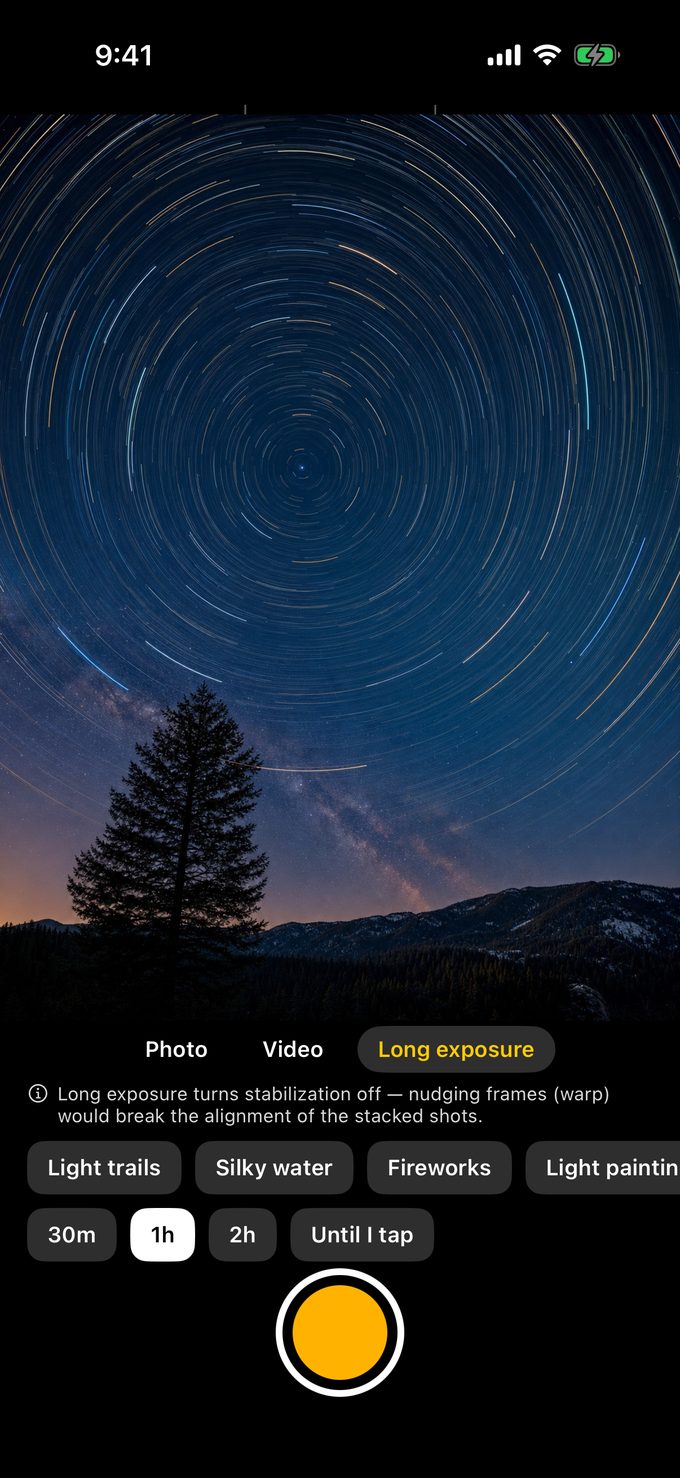
  • RAW (DNG) on supported devices · long exposure with 7 scene presets · video stabilization
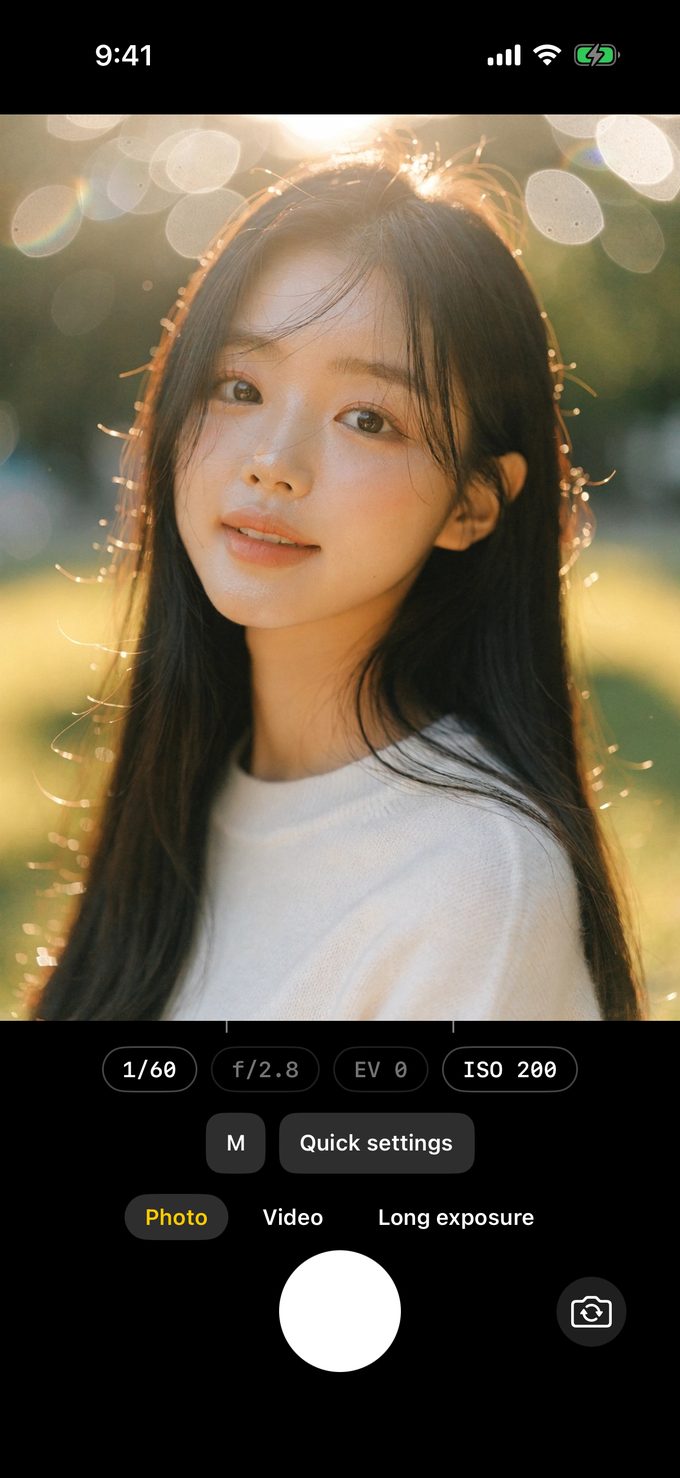
Lensmera manual mode: M with shutter speed 1/60, f/2.8, EV and ISO 200 over a portrait

AI editing — right on your phone

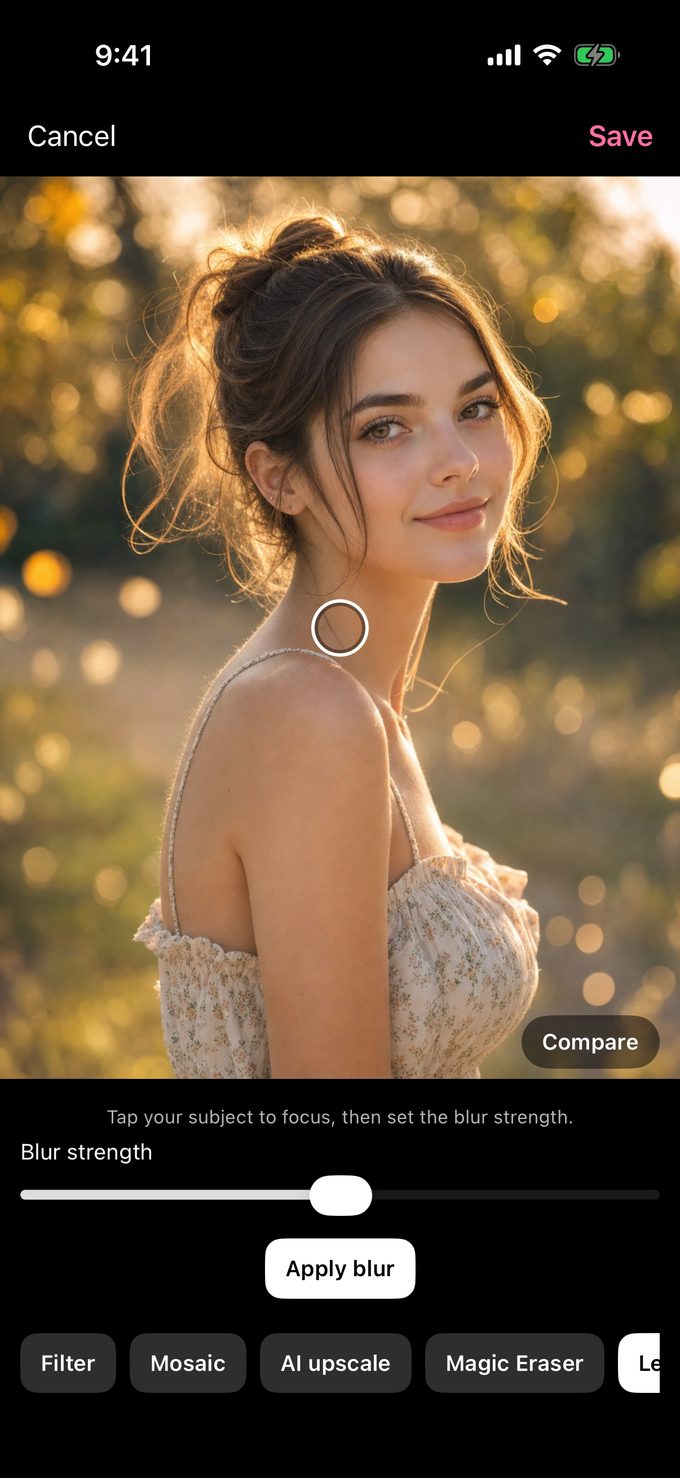
  • AI depth blur — tap your subject and the background melts into creamy bokeh
  • Magic eraser — remove photobombers and clutter in a tap
  • Magic cut-out — lift any subject off its background
  • Colorize old black-and-white photos with a single tap
  • Each tool downloads its model just once — a download to your phone; your photos are never sent
Lensmera AI depth-blur editor: focus reticle on the subject and a blur-strength slider

Pretty by default — filters, beauty & a full editor

  • Skin smoothing that keeps texture honest — brightness noise only
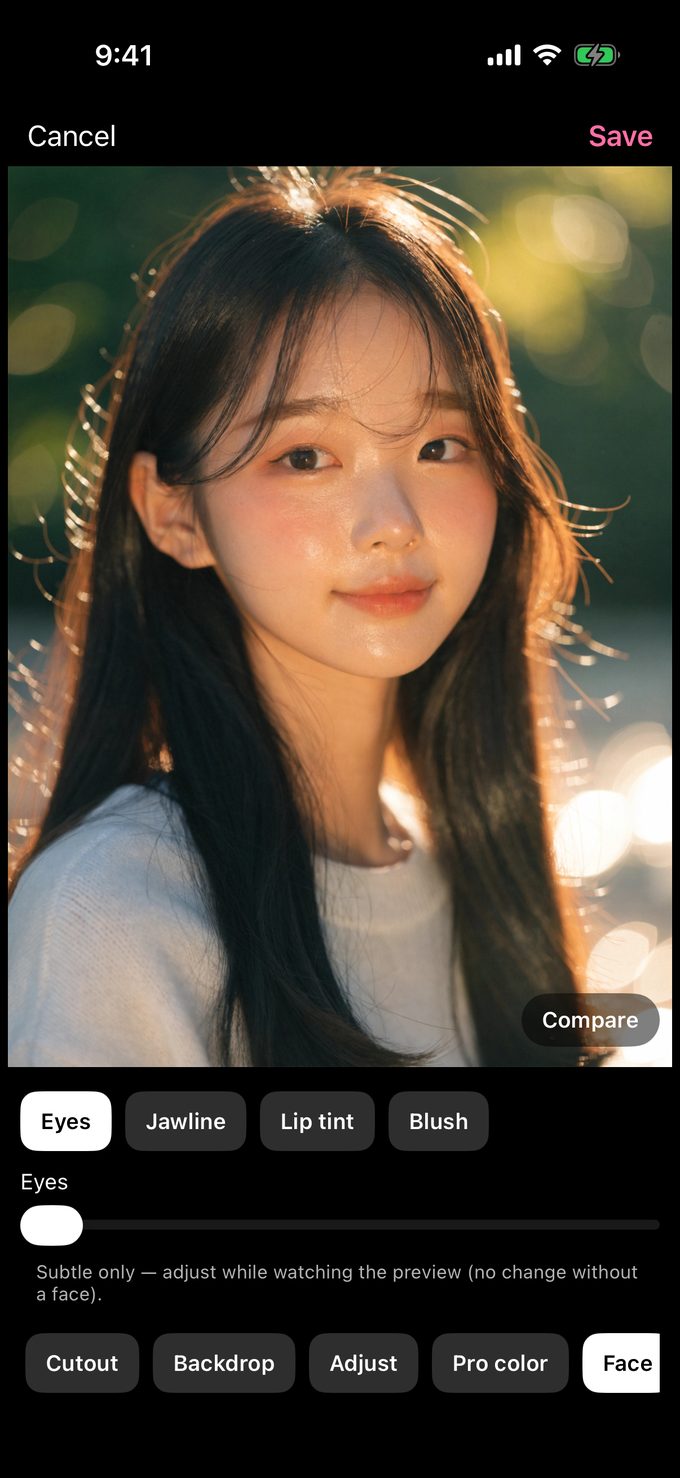
  • Subtle face tools: eyes, jawline, lip tint, blush — flattering, never fake
  • Filters, crop & rotate, text, stickers, drawing, mosaic, background blur or swap, long-legs
  • Photo booth strips (4 shots) · ID & passport photos auto-fitted to spec
  • Edits save as a new copy — your original stays untouched
Lensmera editor face tools: clearer eyes, slimmer jawline, lip tint and blush on a portrait

Shoot, edit, auto-caption — all on device

  • Video with stabilization — off, standard or cinematic (supported devices), microphone optional
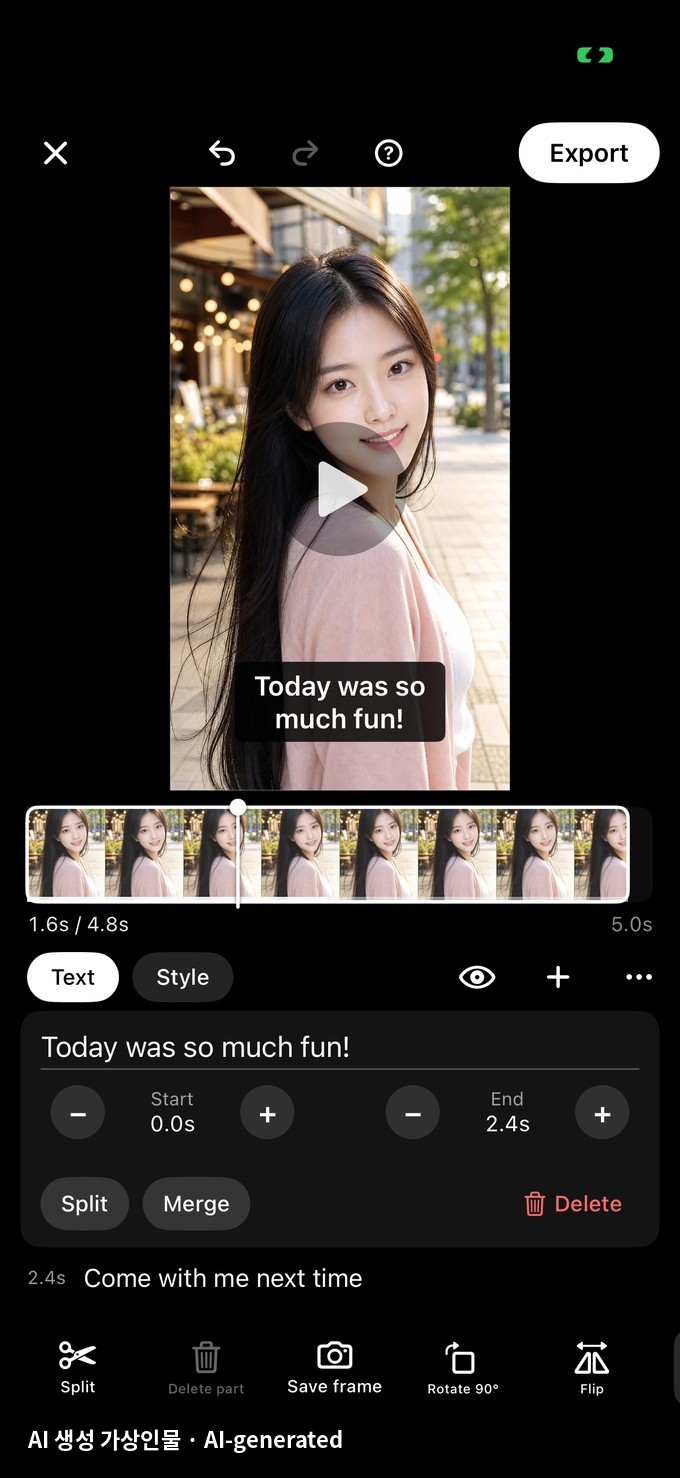
  • Full editor — trim & split, merge clips, aspect ratio, stickers & text, background music
  • Export up to 4K or HEVC · pull the sound out as an audio file
  • Combine clips & photos — per-clip speed, photo overlays, photo slides up to 5 minutes
  • Auto subtitles for video — speech recognition on your phone, no internet needed
Shoot, edit, auto-caption — all on device

Now it makes sound, too

  • Voice recorder — keeps recording while you switch apps
  • Import audio and caption it right on your phone, or turn it into a waveform audiogram video to share
  • Playlists that mix video and audio — background playback, lock-screen controls, picture-in-picture
  • Speech recognition runs on-device — no internet, nothing uploaded
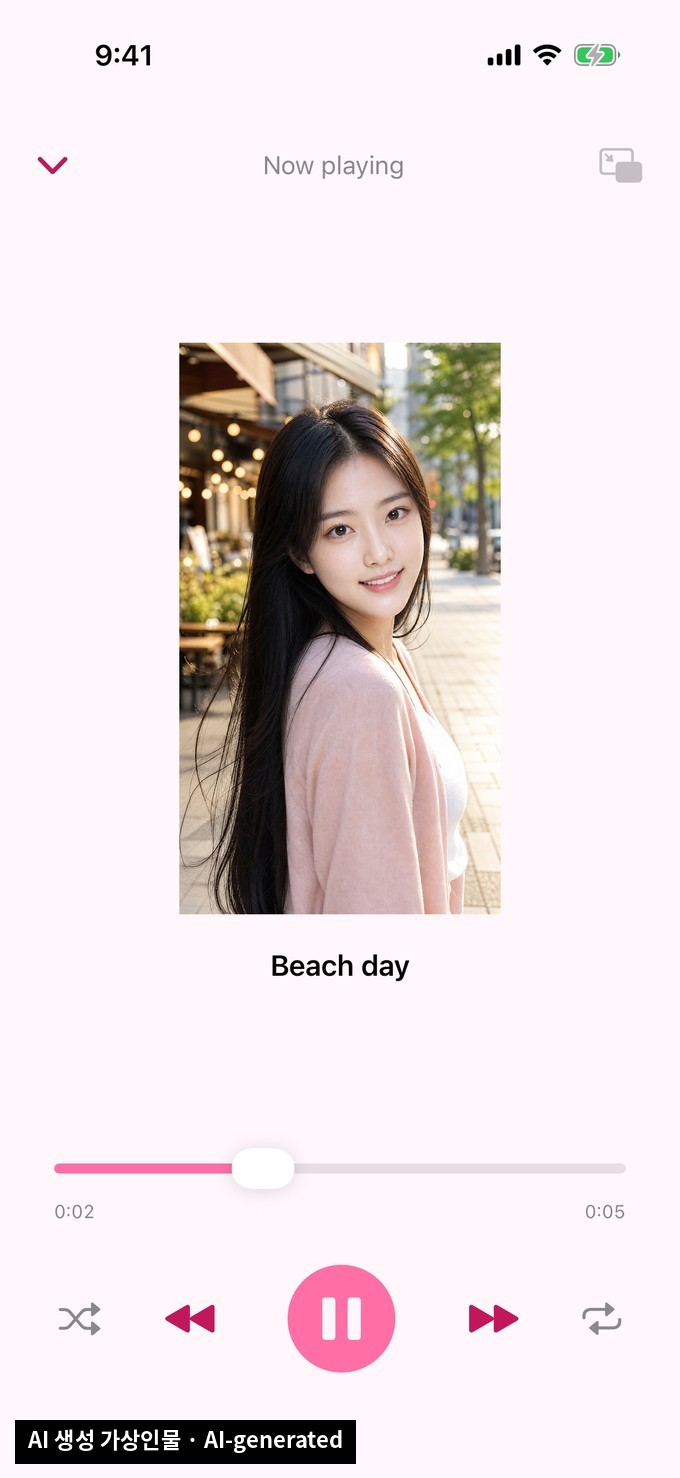
Lensmera audio: a voice recorder, on-device captions and a playlist with background playback

Your photos stay yours

  • On-device — no account, no cloud, no photo upload (core features work offline)
  • Your face never leaves your phone — all processing is on-device
  • Full EXIF, nothing hidden: view every tag, edit them, see location on a map
  • Location only if you turn it on (off by default), saved only into the photo
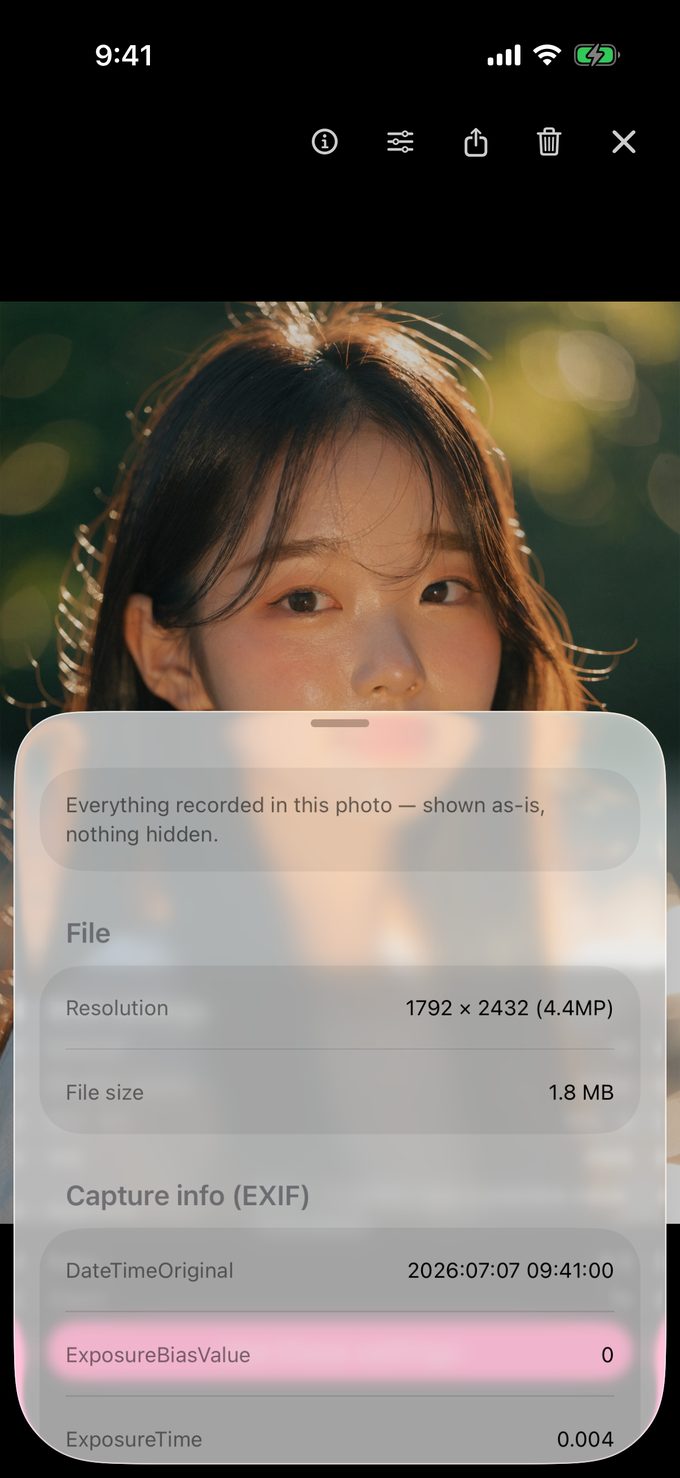
Lensmera photo info sheet showing full EXIF metadata over a portrait in the gallery viewer

Shoot. Learn. Grow.

Practice on the phone that's always in your pocket — then pick up a real DSLR or mirrorless camera and feel right at home from day one. Same modes, same language, same instincts.

The friendly beauty cam you open every day — quietly turning you into the photographer your friends call.

For every shot you actually take

Selfies, backlight, night streets, photo-booth fun, pets that never sit still — there's a lesson (and a recipe) for each.

Pro tools. One app.

  • RAW · DNG
  • Manual focus + peaking
  • Live histogram
  • P/A/S/M modes
  • EXIF edit · map
  • Photo booth (4-cut)
  • ID & passport photos
  • Photo editor
  • Filters · beauty
  • Shooting challenges
  • Long exposure · star trails
  • Shoot · edit · captions
  • AI cutout · magic eraser
  • B&W colorization
  • AI depth blur
  • Voice recorder
  • Playlists · PiP
  • Audiogram
  • Background music
  • 4K · HEVC export
  • 100% on-device

Honesty note: phone lenses have a fixed aperture — depth-of-field effects are simulated and labeled as such, while we teach you how the real thing works.

Frequently asked questions

Is Lensmera free?

Yes — the manual camera, the core lessons and the core challenge track are free forever, supported by ads. An optional one-time Premium purchase (not a subscription) removes ads, plus premium extras such as watermark removal and RAW (DNG) capture on supported devices. Displayed prices include VAT where applicable, and you can request a refund within 7 days of purchase. See our Terms of Use.

Does it work without internet?

Yes — shooting, lessons, editing and the gallery all work fully offline on your device. Some optional AI tools download their model file once (a download to your phone — your photos are never sent). No account, no cloud — your photos and your face never leave your phone.

Can Lensmera record and play audio?

Yes — there's a voice recorder that keeps going while you switch apps, you can import audio to add captions on your phone or turn it into a shareable waveform audiogram, and playlists mix video and audio with background playback, lock-screen controls and picture-in-picture. Speech recognition runs on-device, so nothing is uploaded.

Will my skills transfer to a real camera?

That's the whole point. Lensmera uses the same P/A/S/M modes, terms and layout as real mirrorless cameras, so a real DSLR or mirrorless body feels familiar from day one.

Does Lensmera shoot RAW?

Yes — RAW (DNG) alongside JPEG on supported devices, with the RAW toggle unlocked by the optional Premium purchase, so you can practice a real professional workflow.

Does Lensmera do long exposure?

Yes — a dedicated long exposure mode stacks many frames into one shot, the way phones do it, with tips that teach you how it works. Pick a scene like silky water, light trails, fireworks or star trails circling the night sky, mount your phone on a tripod, and watch the image build up live before you tap to finish.

Are the AI editing tools free?

Yes — all of them: magic cutout (lift any subject off its background), magic eraser (remove unwanted objects), black-and-white colorization for old photos, and AI depth blur that blurs the background of any photo. Each tool downloads its model once when you first turn it on — a download to your phone; your photos are never sent anywhere.

Is the background blur real aperture?

Phone lenses have a fixed physical aperture, so depth-of-field in A mode is simulated — and the app says so honestly while teaching you how aperture works on real cameras.

Start shooting like a pro — today

Free to download. No account, no cloud — on-device & private in 45 languages.

One-time Premium (no subscription) removes ads and unlocks extras. Cancel-free forever.